 Emre Ceylan
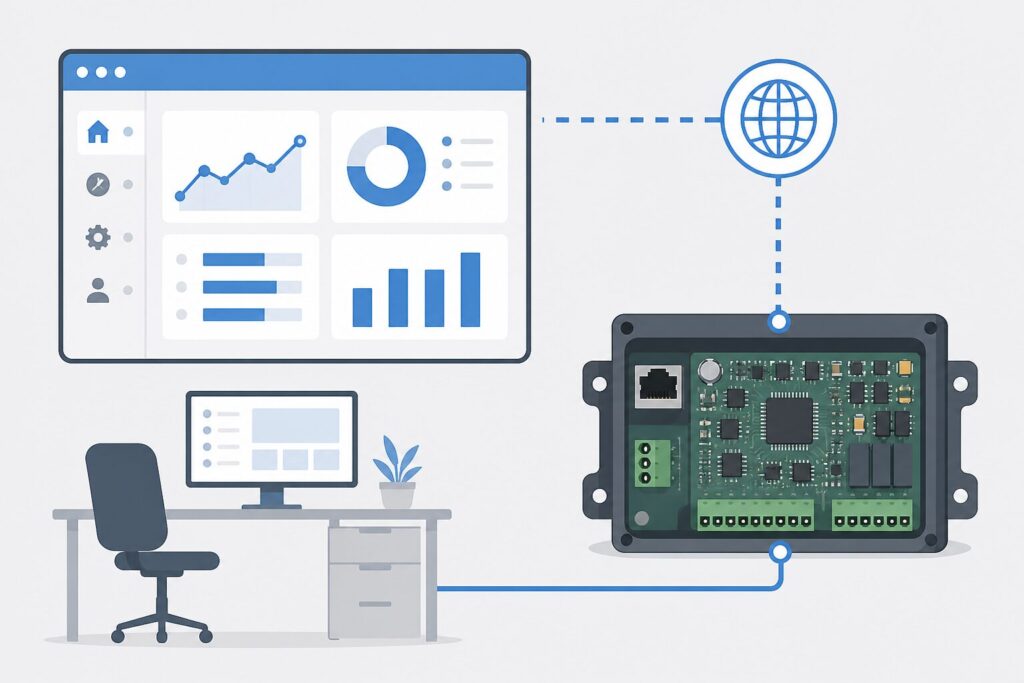
What is a web panel in short: a monitoring interface that shows measurements, status, and alarms from field devices in a browser, usually fed by a PCB or gateway. The goal is for authorized users to reach live data and history from one screen without depending on an app store.
At Revan Technology, a web panel is designed together with reliable board telemetry and clear alarm rules—“just charts” is not enough.
What is a web panel?
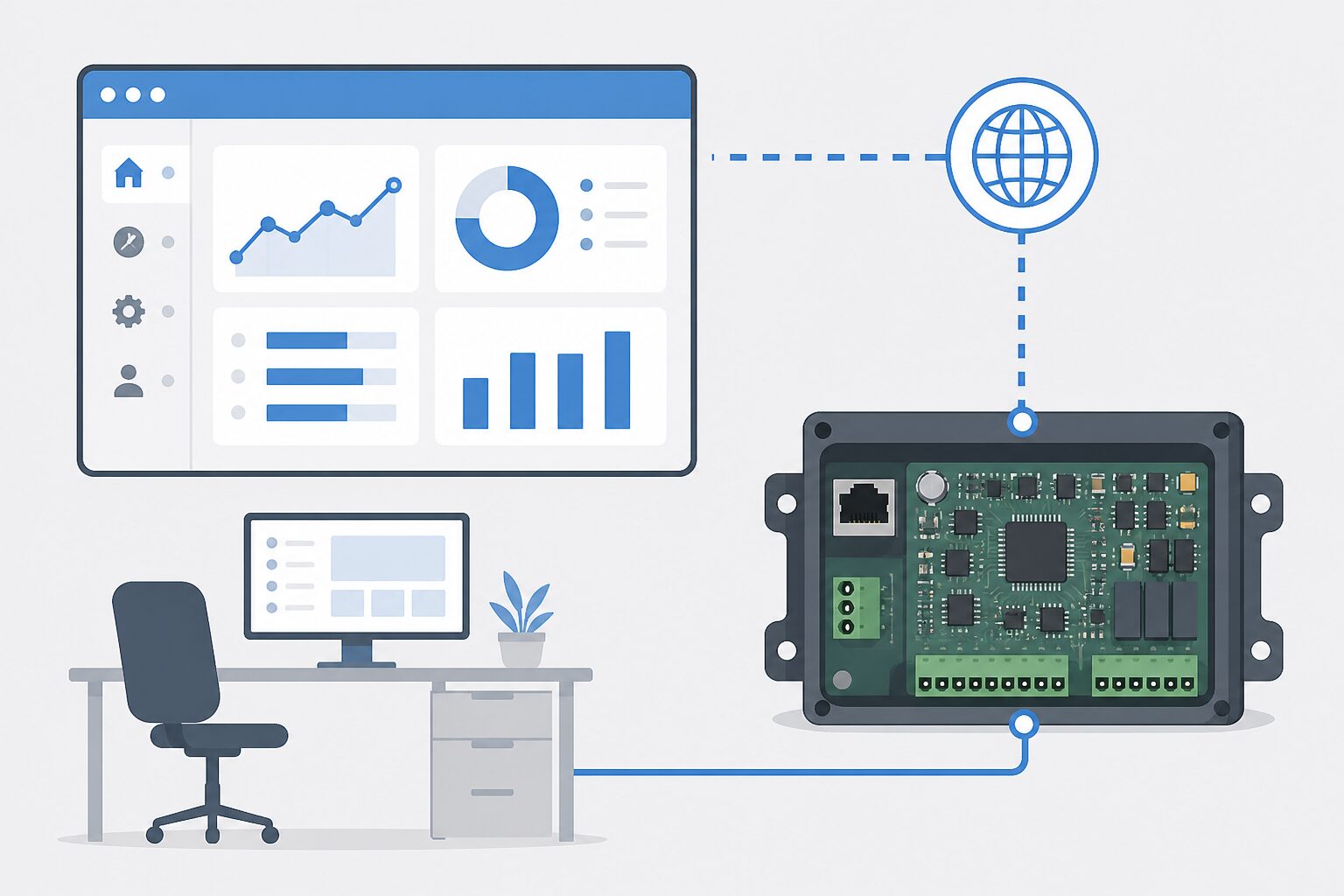
A web panel is an operations UI reached over HTTP/HTTPS. Devices (sensor nodes, GSM/LoRa gateways, industrial PCBs) send data to a server or local host; the panel shows live values, trends, alarms, and sometimes commands.
Unlike a mobile app, install and updates stay in the browser; multi-device monitoring scales from a single URL.
Why it matters
- Status and alarms are visible without a site visit; response time drops.
- Many devices can be compared on one screen.
- History strengthens quality and fault analysis.
- Roles and logs support operational discipline.
How it works
1. The field PCB reads sensors/I/O and may apply edge filtering.
2. Data reaches the server via MQTT, REST, or similar.
3. The web panel shows live cards, trends, and alarm lists.
4. Threshold breaches create notifications / records.
5. Authorized users may send settings or commands when needed.
Typical use cases
- Multi-device field temperature / humidity / pressure monitoring
- Machine status and counter panels
- Cold-chain and warehouse monitoring
- Energy / solar string summary views
- Remote diagnostics for service teams
Common mistakes
- Dumping raw data on the panel; noise fatigues operators.
- Setting alarm thresholds without site context; false alarms rise.
- Skipping auth because “it’s on the LAN.”
- Treating mobile apps and web panels as the same need.
- Leaving inconsistent timestamps/units on the PCB side.
Selection / design checklist
- Which devices publish, at what interval?
- Is priority live view, history, or commands?
- Are alarm rules and notification channels clear?
- Are roles (view / configure / admin) defined?
- How is offline / disconnected device state shown?
- Is the PCB–panel data contract (JSON fields) fixed?
FAQ
What is a web panel in one sentence?
An operations UI that monitors field-device data in a browser and gathers alarms and history on one screen.
Why a web panel instead of a mobile app?
For multi-user monitoring and fast updates, the browser is more practical; no store release is required.
Is a PCB required?
Data must be collected and sent reliably; in industry that is usually an embedded board or gateway.
Is the cloud mandatory?
No. A local server or edge panel can suffice; choose based on security and access model.
Results
A web panel is the browser layer that turns field telemetry into operations. With solid PCB data, clear alarms, and roles, downtime and site-tour cost drop. See multi-device field monitoring web panel PCB and dashboard). The practical answer to “what is a web panel?” is an engineering interface that makes devices visible and manageable on one screen.
🔗 Get in touch with us:
Phone/WhatsApp: +41 76 212 8248
📧 E-Mail: info@revantechnology.ch
For detailed information about our services in electronics development & PCB design:
Revan Technology – Your partner for professional electronics and PCB development